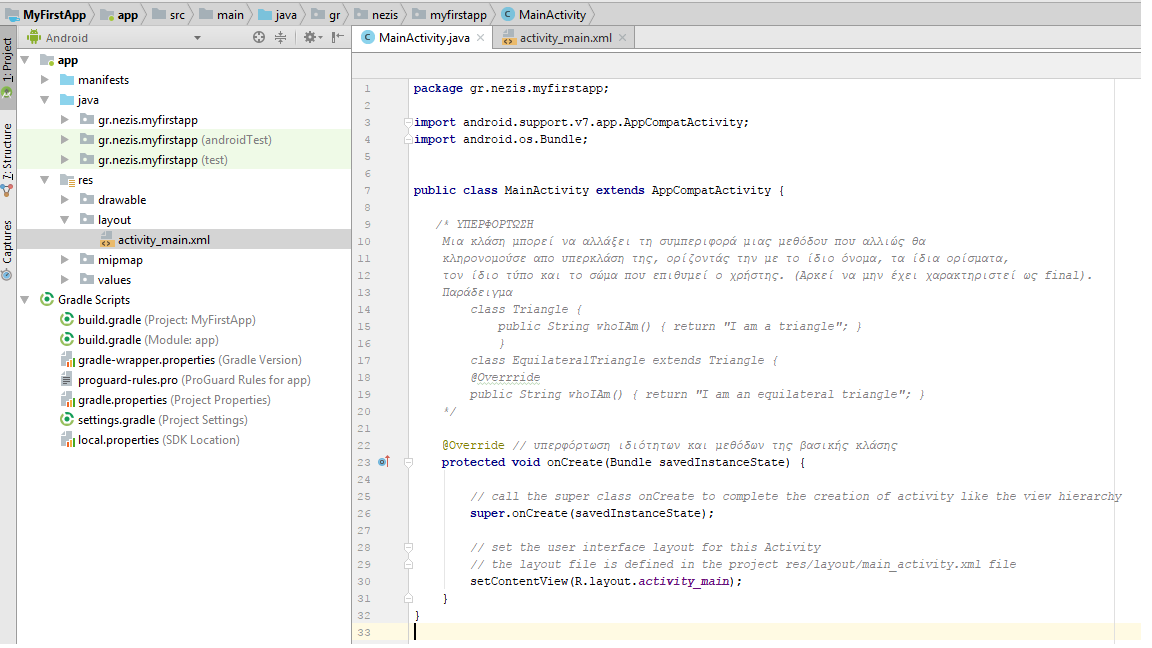
- app > java > com.example.myfirstapp > MainActivity
- This is the main activity (the entry point for your app). When you build and run the app, the system launches an instance of this
Activityand loads its layout. - app > res > layout > activity_main.xml
- This XML file defines the layout for the activity’s UI. It contains a
TextViewelement with the text “Hello world!”. - app > manifests > AndroidManifest.xml
- The manifest file describes the fundamental characteristics of the app and defines each of its components.
- Gradle Scripts > build.gradle
- You’ll see two files with this name: one for the project and one for the “app” module. Each module has its own
build.gradlefile, but this project currently has just one module. You’ll mostly work with the module’sbuild.gradlefile to configure how the Gradle tools compile and build your app. For more information about this file, see Configure Your Build.